Briskine
AI NativeBriskine is a browser-based text expander and template/snippet management tool that inserts reusable templates and dynamic variables across web applications via a browser extension and web dashboard.
MarketsOutbound Customization
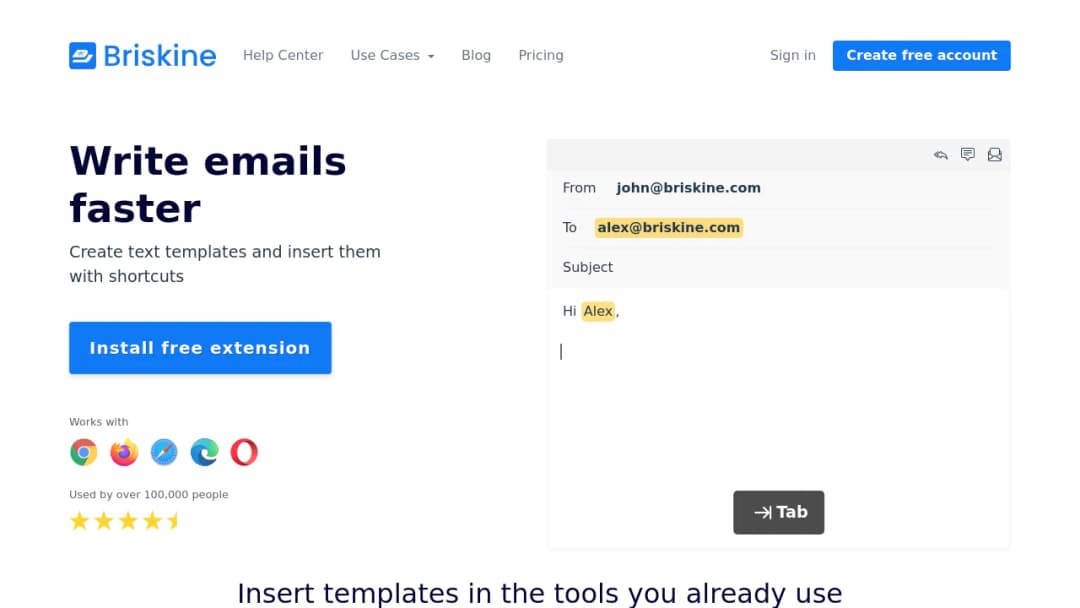
Briskine is a browser-based text expander and template/snippet management tool that inserts reusable templates and dynamic variables across web applications via a browser extension and web dashboard.
Published Oct 9, 2026
Across extension-store feedback and vendor positioning:
Briskine is not widely covered on major B2B review platforms with the same depth of review volume as large SaaS tools; much of the publicly accessible sentiment is concentrated in:
Based on Briskine’s own use case list and observed review patterns:
Get a comprehensive analysis of Briskine including market position, competitive landscape, adoption trends, and peer benchmarks.
Download full report →Avoid Briskine when:
Validated or partially validated advantages:
Where competitors have clear advantages:
From vendor-published materials:
From browser extension reviews (positive):
From aggregated store signals:
From browser extension reviews (explicit criticism):
From app store signals:
From third-party aggregation (use with caution):
Critical note: Absent detailed methodologies (baseline, measurement window, sample size, independent verification), productivity claims should be treated as directional rather than guaranteed.
Briskine is a browser-based text expander and template/snippet management tool delivered primarily as a browser extension (Chrome, Firefox, Edge, Opera, Safari) plus a web dashboard. It is used to insert reusable templates via shortcuts (e.g., type a shortcut then press Tab) and to apply dynamic variables/helpers to personalize content (e.g., recipient name, today’s date). It is designed to operate across many web apps (Gmail, Outlook on the web, LinkedIn, etc.).
Key capabilities (from Briskine’s documentation and site):
Briskine is positioned as a web-focused text expansion tool that operates across websites and web applications rather than as a native desktop application. Public materials highlight broad website compatibility and a relatively quick setup for initial productivity in repetitive communication workflows.
Typical users include: