Krisp
Real-time Voice AI for the real world.
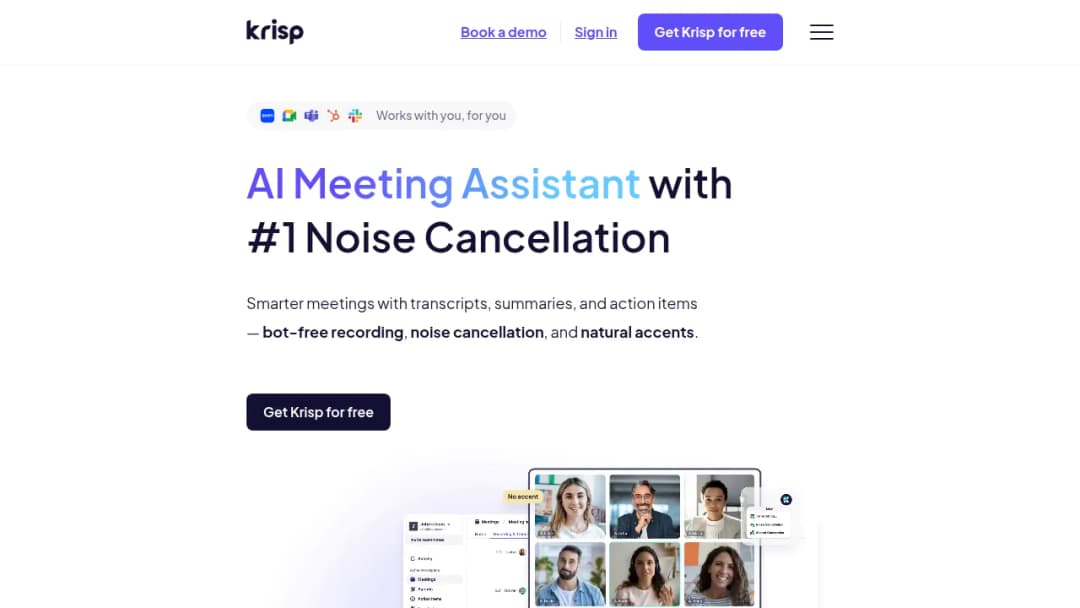
Real-time Voice AI for the real world.
Published Oct 16, 2026
| Starting Price | Per-seat subscription with monthly and discounted annual billing; call-center plans priced per agent with annual billing and multi-seat minimums | Free app-based offering for supported hardware; hardware dependency applies | Free tier exists; paid per-seat subscription for advanced features |
| Primary use case | Cross-app noise cancellation and meeting notes; call centers requiring bi-directional noise cancellation and admin controls | Windows users with supported NVIDIA GPU wanting GPU-accelerated audio enhancement | Teams seeking meeting transcription/notes with bot-join workflows |
| Key Strength | Functions as an audio layer across conferencing apps; many reviewers report effective noise reduction; enterprise call center features (SSO/SCIM) | GPU-accelerated audio enhancement with strong noise removal for supported hardware; no subscription required | Mature meeting assistant/transcription ecosystem with team collaboration features |
| Key Weakness | Reports of CPU/RAM usage; pricing and feature bundling concerns; complaint volume related to refunds/support | Requires compatible NVIDIA GPU and Windows; driver/setup requirements; not designed as a full meeting assistant | Typically bot-based meeting capture; usage caps and pricing complexity; less emphasis on bi-directional noise cancellation |
—
Krisp vs built-in Zoom/Teams noise suppression: Community discussions indicate built-in suppression has improved; some users find Krisp provides incremental or superior suppression in very noisy environments and where app-agnostic behavior is preferred. This suggests Krisp's differentiation is strongest when environments are extremely noisy, a uniform cross-app solution is desired, or customer-side noise cancellation is required for contact-center workflows.
Krisp vs NVIDIA Broadcast/RTX Voice: Krisp advertises that it does not require an NVIDIA RTX GPU. Vendor-authored comparisons exist and should be evaluated alongside third-party user reports. In some community reports, users switch to GPU-accelerated Broadcast when Krisp-based suppression produces artifacts in specific applications.
Krisp vs Otter/Fireflies (meeting assistant tools): Krisp's audio-layer approach avoids bot attendance in some workflows, which can be advantageous for procurement or privacy considerations. Dedicated meeting assistants typically offer richer downstream workflows (CRM notes, meeting libraries). Krisp's meeting assistant may meet needs for users primarily seeking audio quality, but may not match specialized meeting platforms in admin controls or integration breadth based on the reviewed materials.